

E-learning platform guide / Self-paced courses guide
You can watch the video guide here: https://sschool.mantakchia.com/courses/how-to-study-at-sschool.mantakchia.com/lessons/short-guide-how-to-study-at-mantak-chia-school-website/ or take a look the instructions below.
1. Choose a self-paced course at sschool.mantakchia.com.
You can pay with a bank card or Paypal.
We list our prices in euros. The price will be automatically recalculated into your currency by your bank and the platform according to the current exchange rate of your bank.
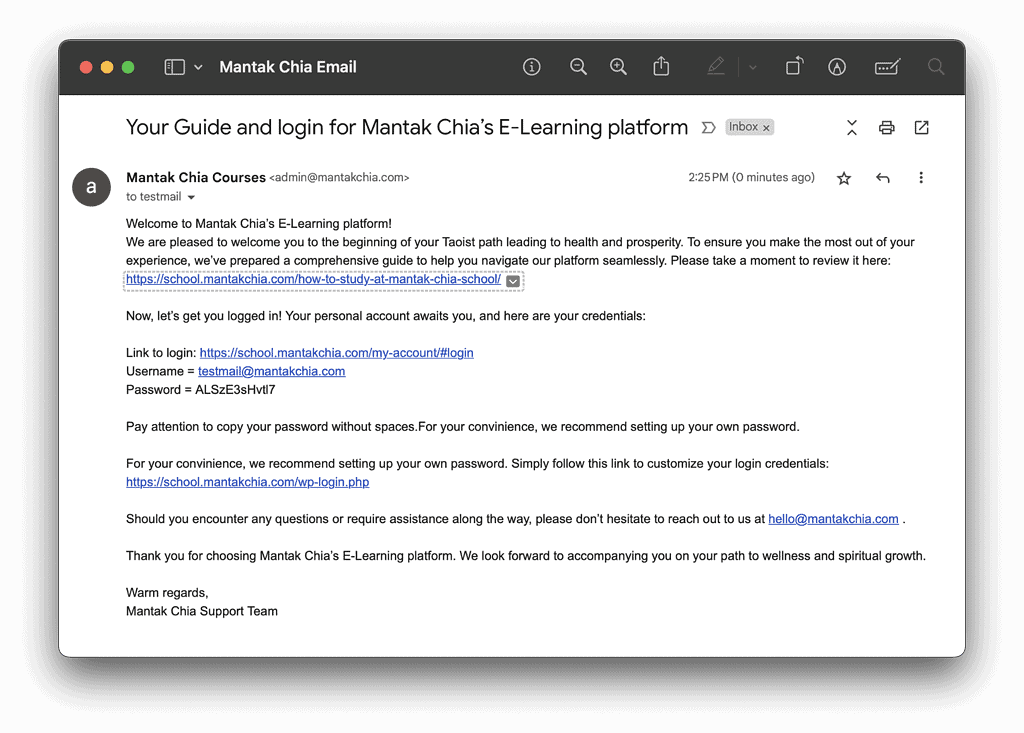
2. With your purchase you will receive an email with your login and password for the e-learning platform. Please click on the link to login and use login and password to log in.Pay attention to copy your password without spaces.
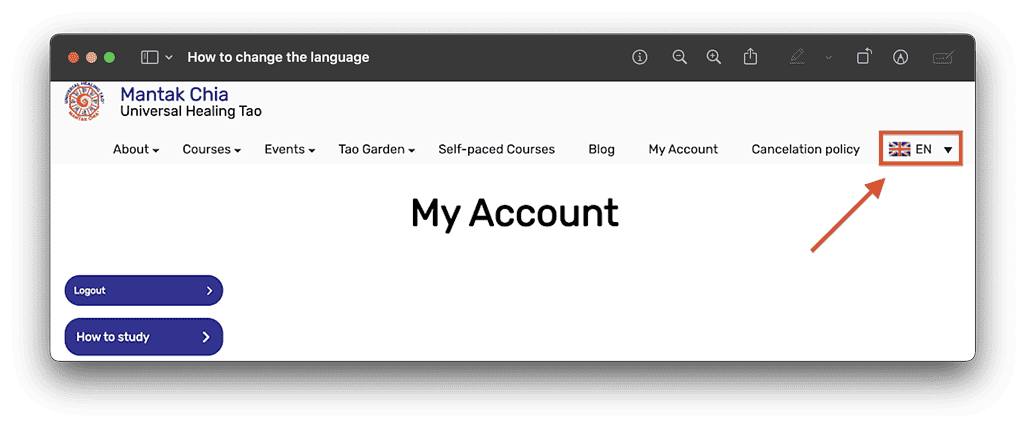
3. If you bought a course translated into your language, choose your language in menu
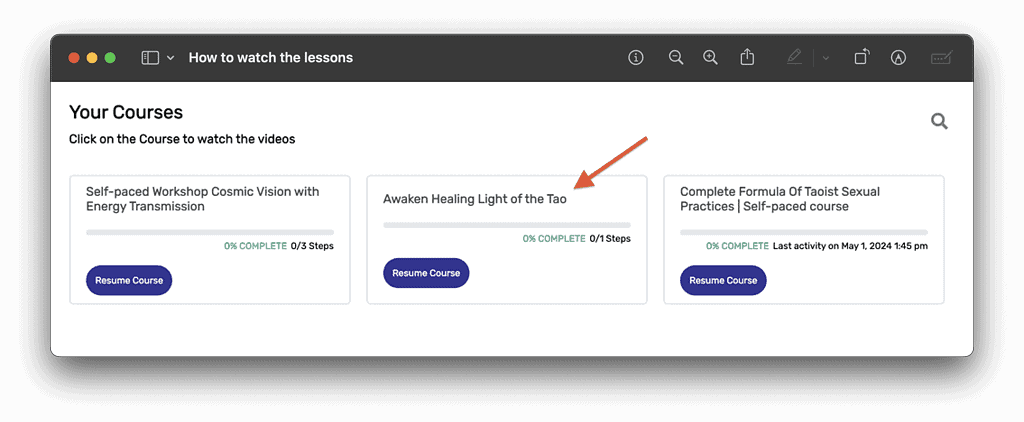
4. Click on the title of the course you wish to watch.
5. Read the description of the course and check the course content.
You have an ebooklet with slides from the teachings and video with Morning Qigong for your daily routine. Download the ebooklet and open the first lesson.
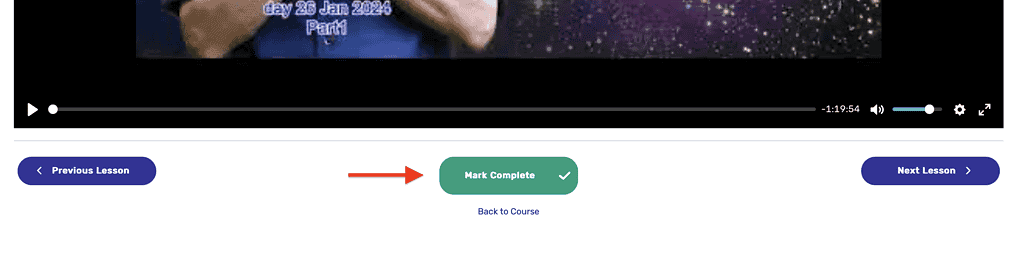
6. When you finish watching the lesson, mark it complete.
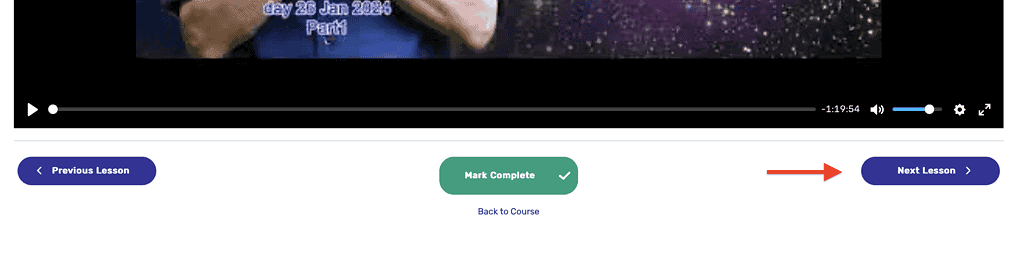
7. Click to watch the next lesson
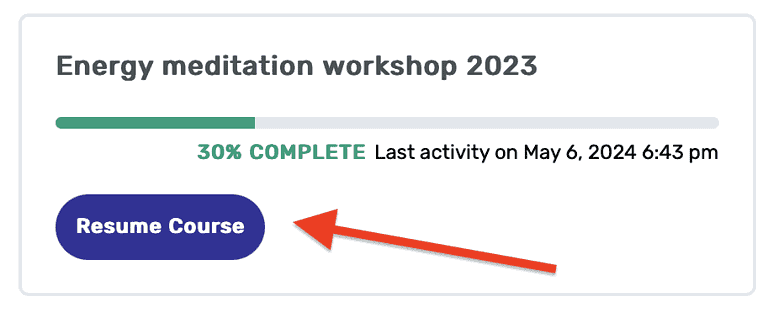
8. You can resume your course from your account page.
9. Get your certificate signed by Master Mantak Chia.
The Certificate “Confirmation of Attendance” is available only for students of courses released starting from October 2022.
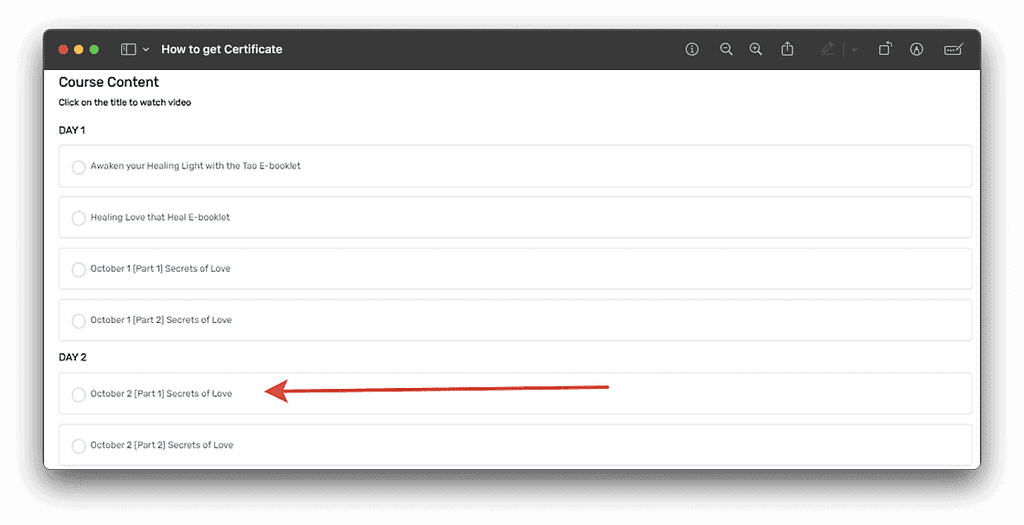
In order to get the certificate please watch all lessons of the course and mark them complete. To mark lessons “complete” please open the course page, then choose the lesson you want to mark complete:
On the lesson page you should find a “Mark Complete” button.
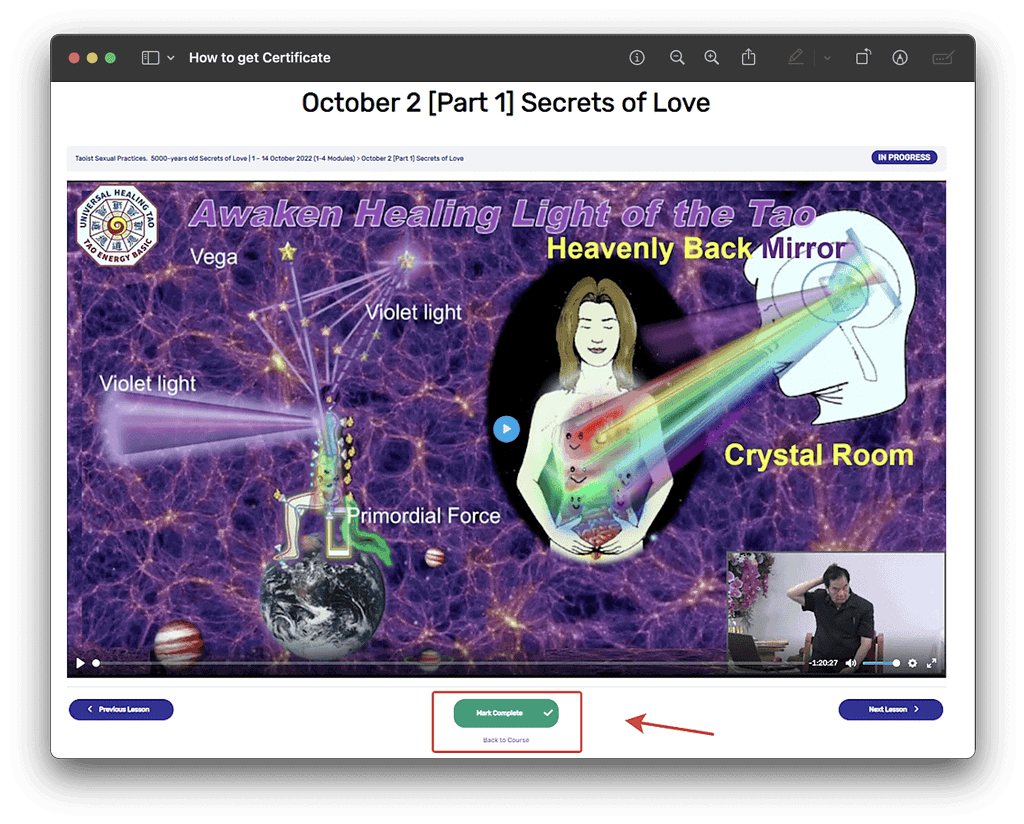
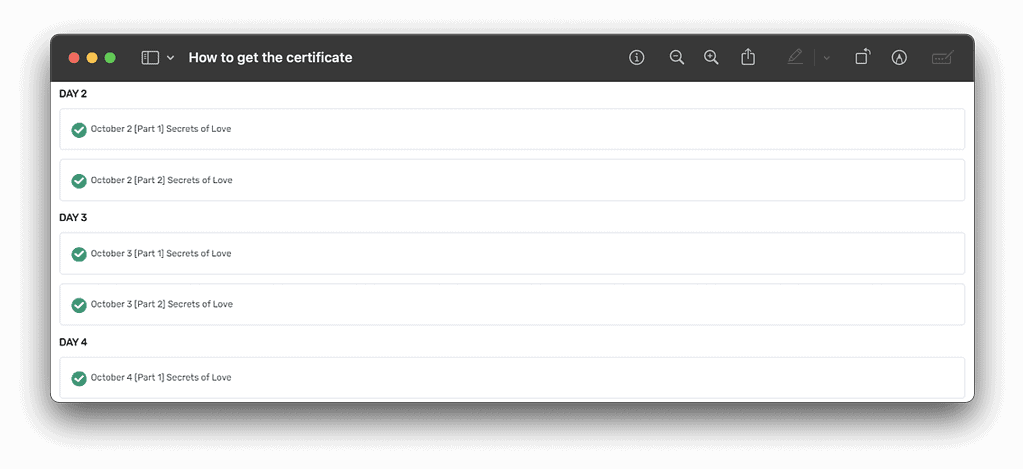
Then click this button. After this action, this page will redurect you automaticly to another lesson. And the same on the main course page you will see green circles — it means, that you marked complete the lesson correctly. For getting the certificate, all lessons should have a green circle:
The message “You’ve earned the certificate!” will appear on the top of the page. Click on the button “Download certificate” to start downloading it.
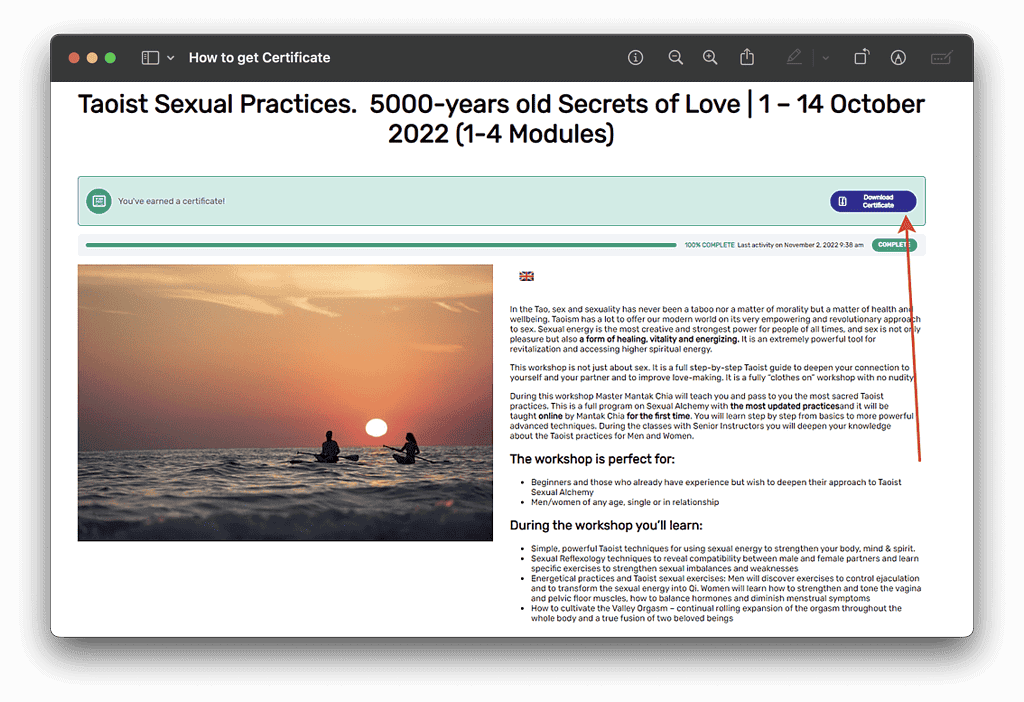
And then just download your certificate. If you wish to correct your name on the certificate, please change the name in your account. You can check it here
10. Leave your review.